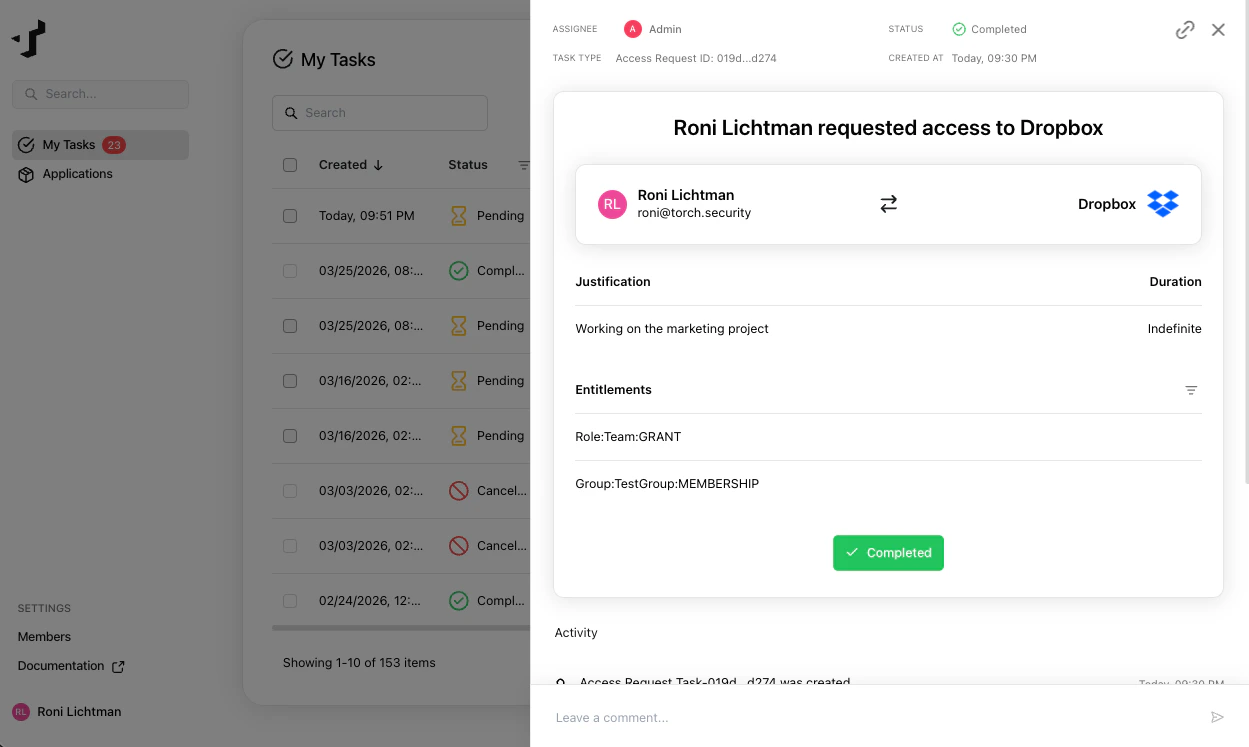
Find your access request tasks
When someone requests access to an application that requires your approval, you’ll receive an email notification.

Review the request
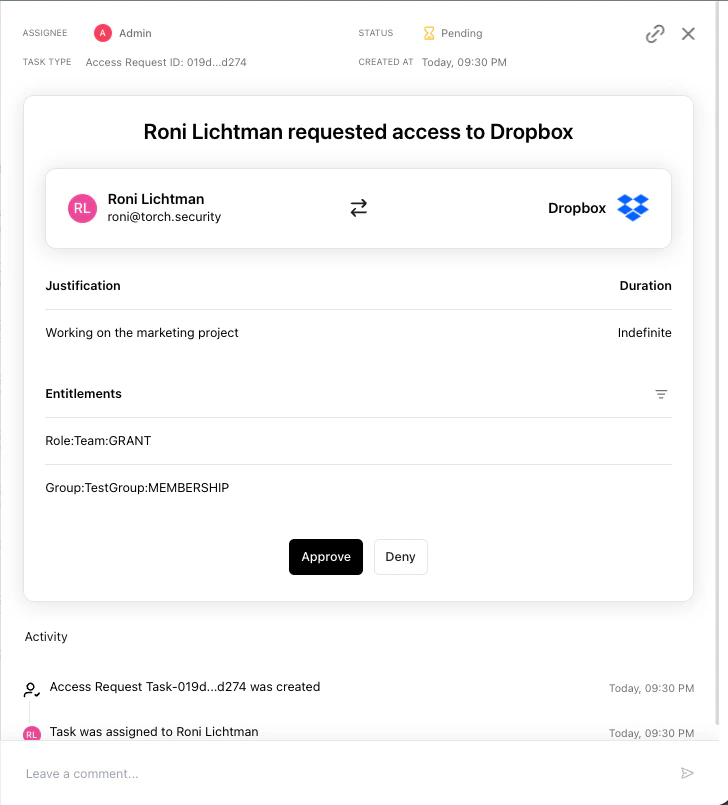
Open the task to see the details:- Application - the application the requester wants access to
- Entitlements - the specific permissions being requested
- Justification - the requester’s explanation for why they need this access
Ask questions
If you need more context before making a decision, use the comment thread on the task to discuss with the requester.Approve or deny
Once you’ve reviewed the request, click Approve or Deny.- Approve - moves the request to the next approval step (if applicable) or triggers automatic provisioning by Torch
- Deny - closes the request and notifies the requester