Open the App Catalog
Go to the Applications page and select the All Applications tab to browse available applications.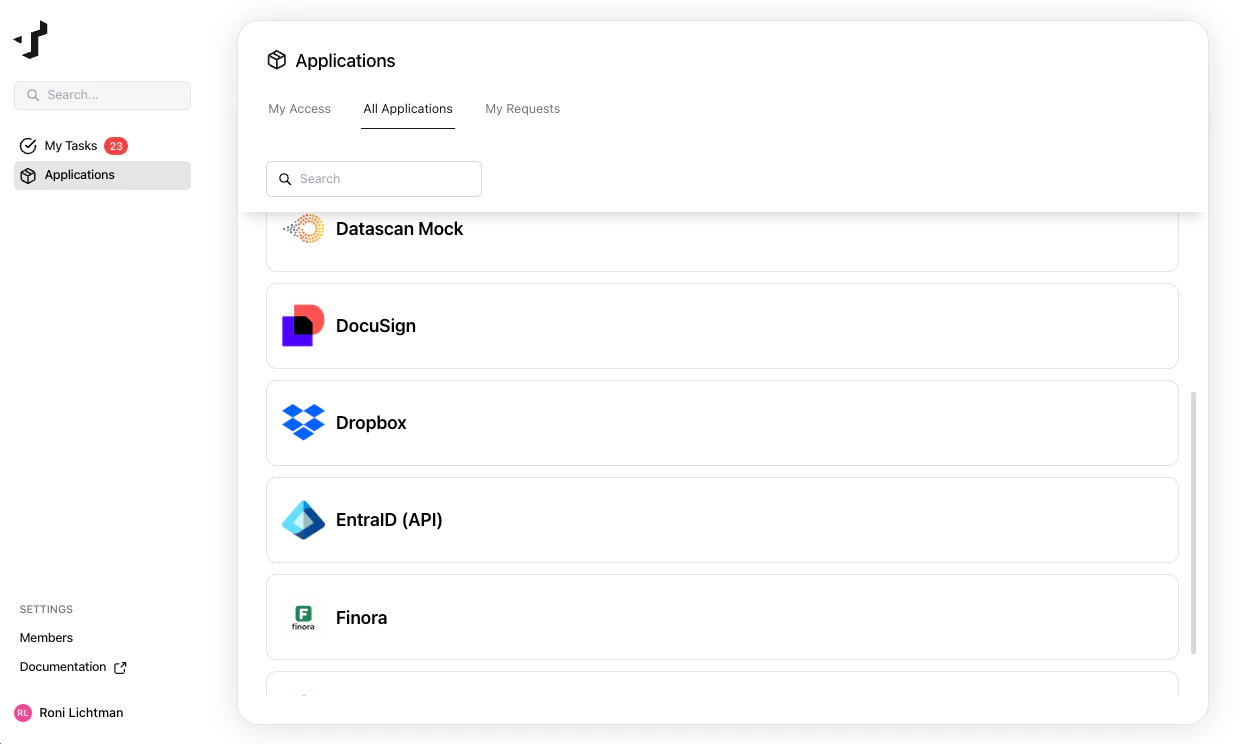
Submit a request
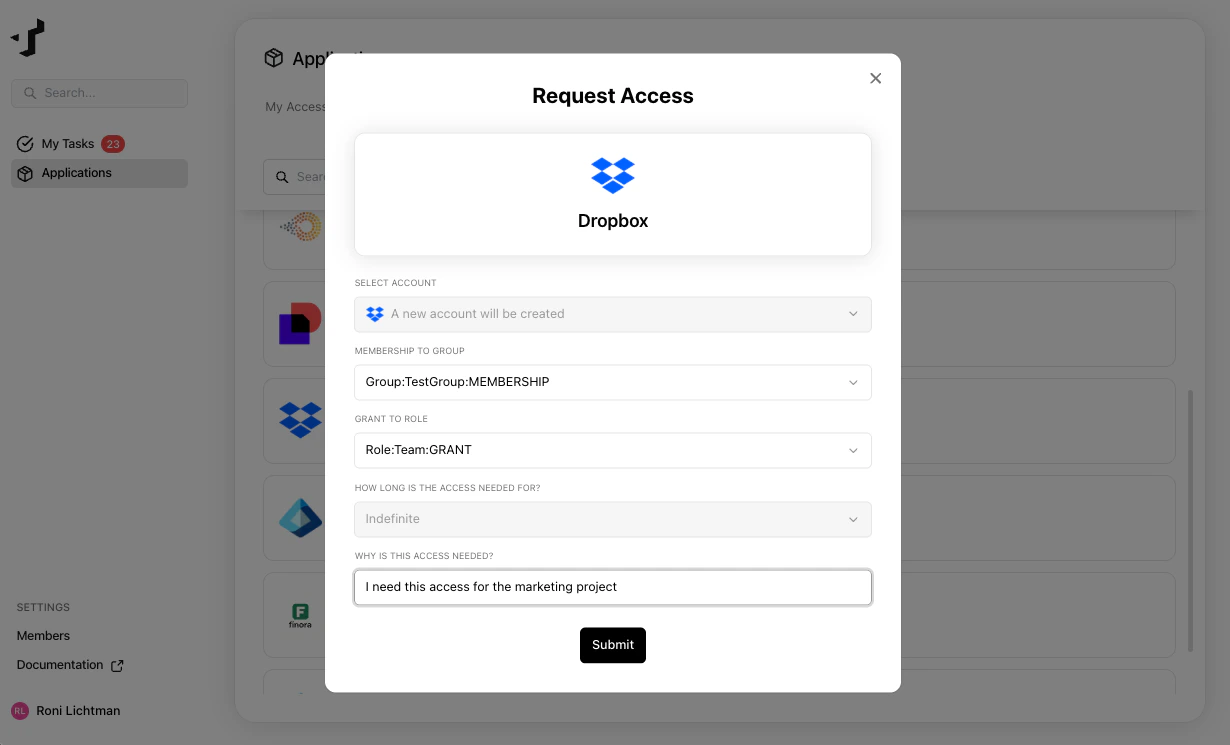
Select the application you need access to. You can request:- A new account - if you don’t have an account in the application yet
- Additional entitlements - if you already have an account and need more permissions
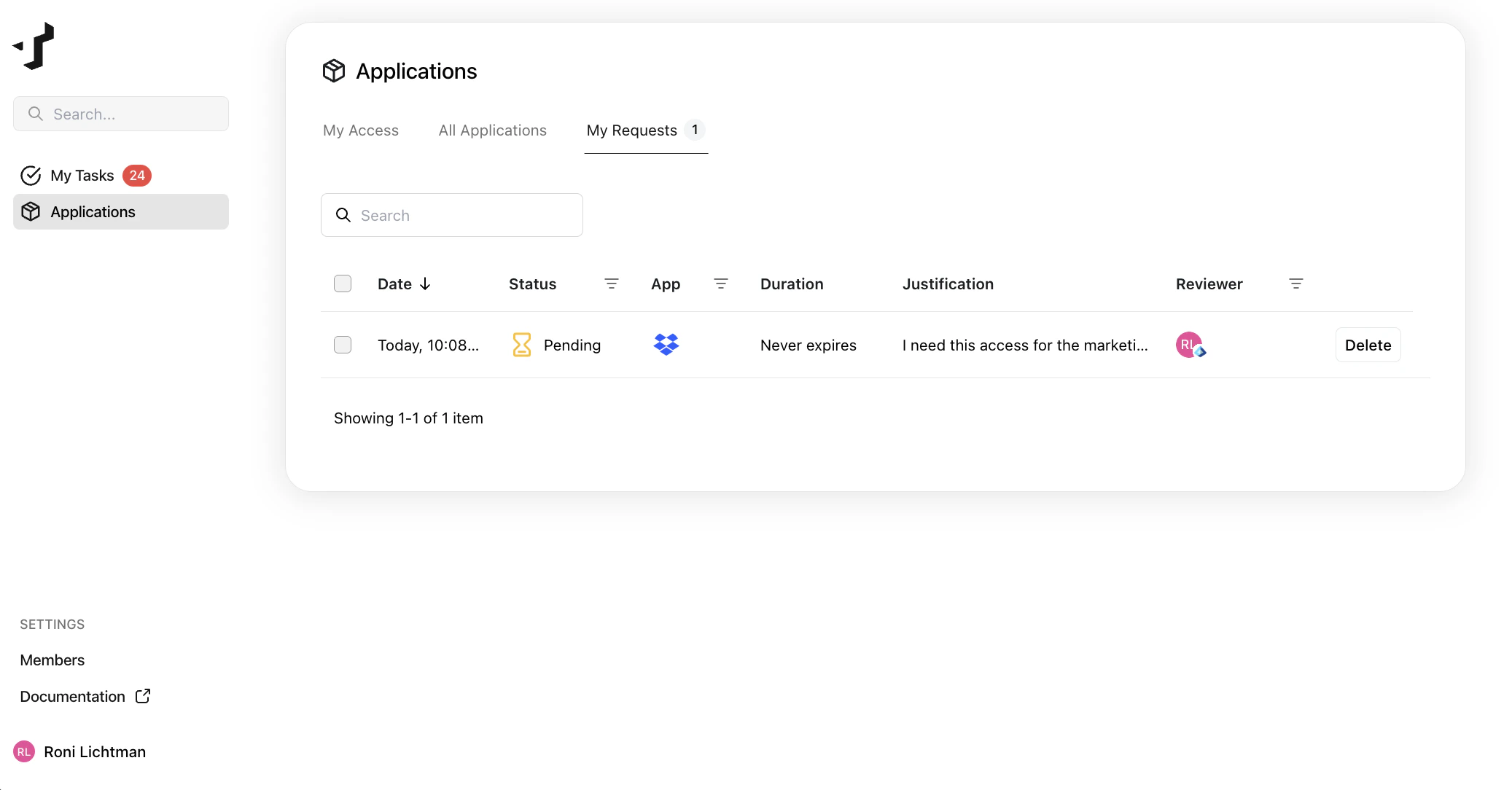
Track your request
After submitting, you can follow the status of your request under My Requests on the Applications page. Your request will go through one or more approval steps (for example, your manager or the application owner). You’ll receive an email notification when your request is approved or denied.